English (US)


Webinar Registration
Enter your details to register for the webinar:
Webinar name:
First Name:
Last Name:
E-mail:
Time Slot:
RegisterCancel

NetWrix Change Reporter Suite

IT infrastructure compliance auditing: who changed what in AD, VMware, servers

Best Auditing and Compliance Product 3 years in a row!
Windows IT Pro Community Choice and Editors' Best Awards of 2010 and 2011 that NetWrix Change Reporter Suite received as Best Auditing and Compliance Product and Best Active Directory and Group Policy Product, Redmond Magazine Readers' Choice Award of 2011 for Best Security Auditing Tool, 2011 Tomorrow's Technology Today Award for Best Auditing Solution and other awards

Change auditing is critical to maintaining a secure IT infrastructure and sustaining compliance. Without effective and convenient tracking and ongoing review of changes in systems and applications organizations risk losing control of security. Unauthorized, unwanted, and malicious changes in IT infrastructure can have tremendous impact on business continuity and predictability. Also, change auditing is a cornerstone of all major compliance regulations.

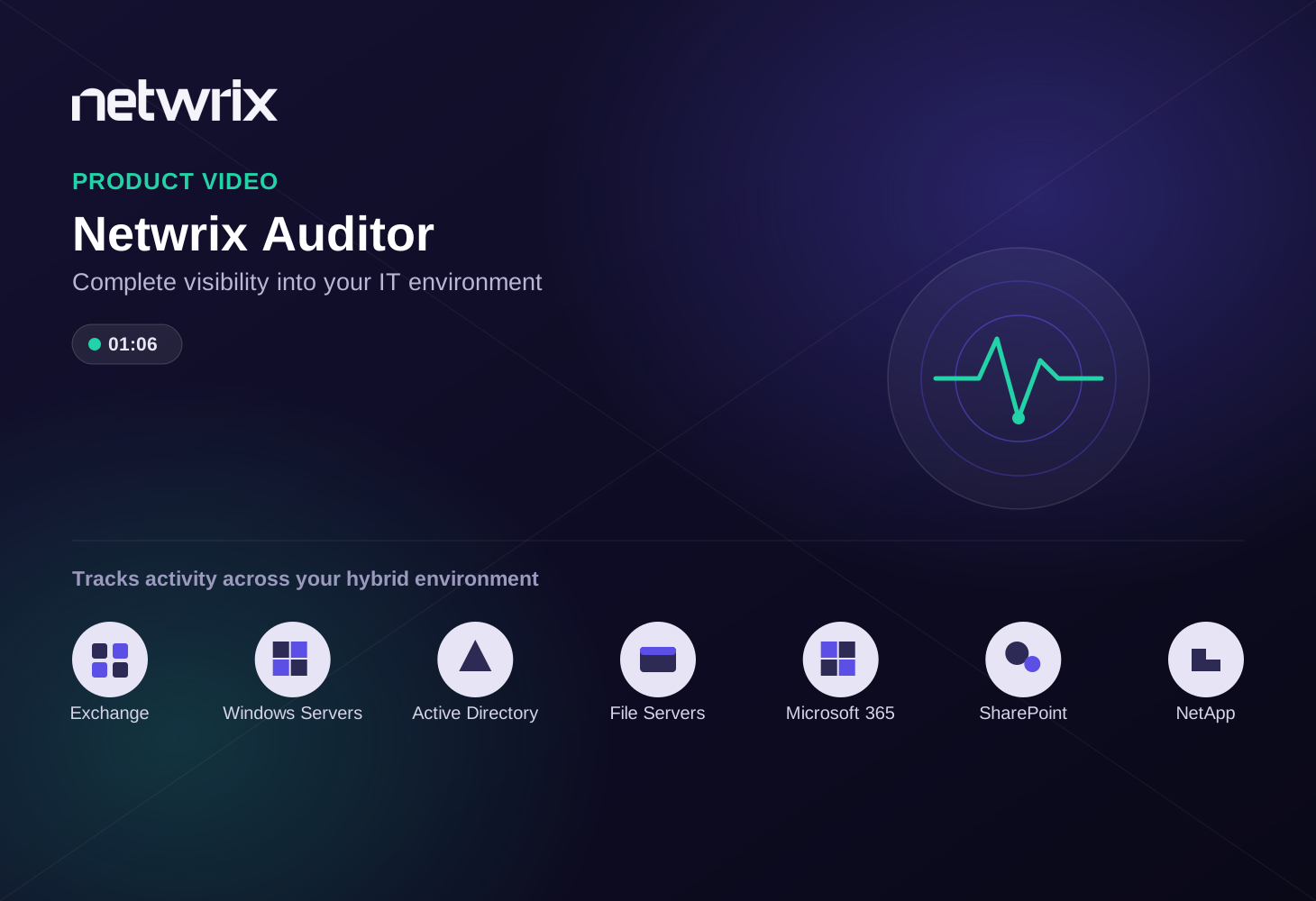
NetWrix Change Reporter Suite is an integrated solution for automated auditing of the entire IT infrastructure. No matter who changed what and where — be it Active Directory, file servers, Microsoft Exchange, filer appliances such as NetApp or EMC, virtual and physical infrastructure, SQL Server databases — everything is centrally audited, consolidated, and presented in easy to understand reports, scheduled for ongoing review and forensic auditing of day-to-day administrative activities by your security team and periodic inspections by compliance auditors. The product streamlines compliance to HIPAA, SOX, PCI, GLBA, FISMA and many other regulations, provides an easy-to-use solution that drastically improves IT infrastructure visibility and internal security.

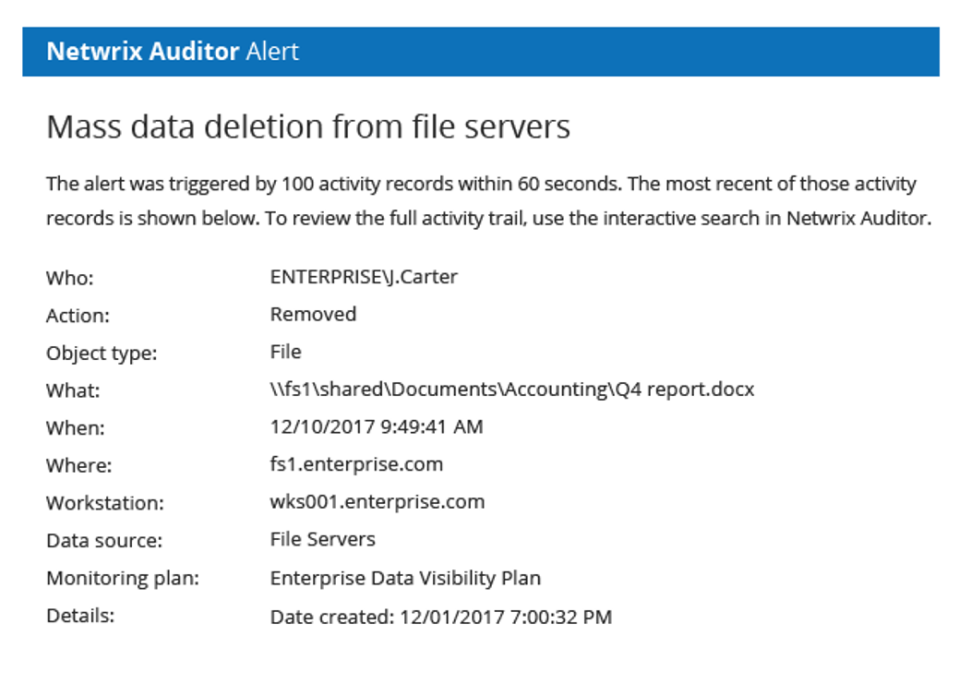
Powered by AuditAssurance™ technology, the Change Reporter Suite produces reports that include complete information on every single change that has occurred in an organization and can be used for detailed forensic analysis. Unlike traditional log management solutions (SIEM), NetWrix makes it very easy to find relevant answers to key questions: who changed what, when, where, including previous and new values for modified settings. Another unique NetWrix technology, AuditIntelligence™, transforms raw audit data into meaningful and actionable intelligence to drive security and compliance efforts. Data can be filtered by different criteria, such as name of person who made changes or accessed data, time period, and other parameters. Examples:


Platform Typical Audit Questions
Active Directory

  • Who added user to security group?
  • NEW! Who logged on successfully / failed to log on?
  • Who delegated management rights to OU?
VMware
  • Who created a new virtual machine?
  • Who changed resource pool parameters?
MS Exchange
  • Who deleted a mailbox?
  • NEW! Who accessed another user's mailbox?
  • Who reconfigured information store?
SQL Server
  • Who changed table structure in a production SQL database?
  • Who deleted production SQL database?
  • Who added new database login?
File Server
  • Who changed file permissions on file server?
  • Who accessed sensitive files on file servers?
  • Who deleted files from file server?
NetApp Filer
  • Who changed file permissions on NetApp Filers?
  • Who attempted to access folders with sensitive data on NetApp Filers?
  • Who failed to change files on NetApp Filers?
EMC Celerra
  • Who changed file permissions on EMC Celerra device?
  • Who accessed sensitive files on EMC Celerra device?
  • Who deleted folders from EMC Celerra device?
Group Policy
  • Who deactivated strong password policy?
  • Who unlinked GPO from organization unit?
  • Who configured new software installation policy?
Windows Server
  • Who installed what software?
  • Who changed computer configuration settings?
  • Who made changes to registry?
  • Who added members to local Administrators group?
  • What changes were made to DNS zones and records?
  • What patches and hotfixes were installed recently?
  • Who modified startup programs (AutoRun)?
  • Who changed file sharing settings and open shares?
SharePoint
  • Which web applications were created/changed/deleted?
  • What servers were added to / removed from a farm?
  • What changes occurred to the incoming/outgoing e-mail settings?
SCVMM Environments
  • What changes occurred to virtual machine configuration?
  • What virtual machines were added/deleted?
Network Infrastructure
  • What new devices have been added to the network?
  • Who modified the firewall settings? (*)
  • Who changed the routing tables on the WAN router? (*)
  • What accounts have been granted administrative privileges on the firewall? (*)
  • What devices were removed from the network?

(*) Features marked with (*) will be available in the next release.


Complete IT infrastructure auditing with Change Reporter Suite

How to benefit from Change Reporter Suite

NetWrix also recommends that you evaluate SCOM Management Pack for Change Reporter Suite, a solution that audits who changed what, when, and where in Active Directory, Group Policy and Microsoft Exchange, and feeds the audit data to Microsoft System Center Operations Manager, which generates appropriate reports and alerts.

Microsoft Gold Certified Partner