Netwrix Auditor: IT audit software
See who's accessing what, when, and why. Netwrix Auditor delivers audit-ready reports for GDPR, HIPAA, PCI DSS, SOX, and CMMC, deployed in 30 minutes.
Read their Stories
Trusted by
































































Prevent data breaches
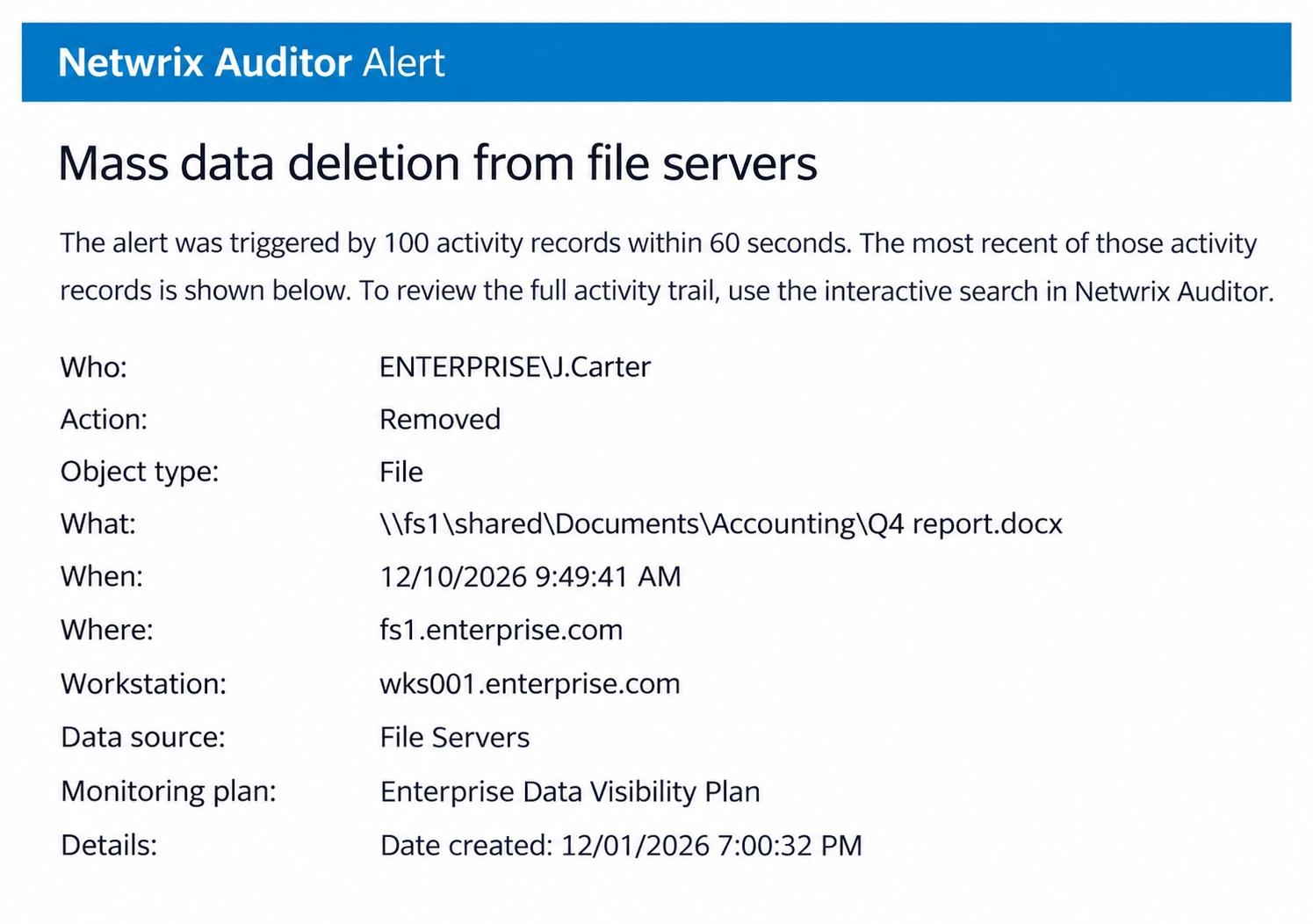
Identify suspicious activities and unusual behavior as soon as they happen with customized alerts that help you take action fast.
Improve your security posture
Spot and mitigate risks around your sensitive data before you suffer a data breach.
Save time with built-in automation
Speed up routine tasks like auditing and reporting to free up your team and boost productivity.
Compliance made easy
Access prebuilt reports for HIPAA, PCI, SOX, and more. Plus, quickly address auditors’ questions.
Watch Netwrix Auditor in under 2 minutes
See how Netwrix Auditor gives you complete visibility into changes across your IT environment, so you can spot risks faster, simplify audits, and stay in control of what's happening in your systems
Capabilities
Audit your most important IT systems from one centralized platform
Evidence for the compliance standards you answer to
Netwrix Auditor records who accessed or changed what, when, and where across Active Directory, Entra ID, file servers, and other systems. That record supports the audit trail, access, and incident investigation requirements of HIPAA, PCI DSS, GDPR, CMMC, NIS2, DORA, and the EU AI Act.
More IT audit software capabilities
Protect sensitive data regardless of its location
Secure your most critical assets first by pinpointing sensitive data across your IT ecosystem, reviewing who has access to it, and monitoring activity around it (requires Netwrix Data Classification).
Save time with change, access, and configuration reports
Get the information that management, auditors, and other stakeholders ask for, instead of struggling with scripts, log files, and spreadsheets.
Roll back unwanted Active Directory changes
Restore deleted and modified Active Directory objects from state-in-time snapshots or tombstones, without rebooting a domain controller.
Inactive users, password expiration, and account lockouts
Track inactive user accounts, get alerts about passwords that are about to expire, and report on account lockouts so you can resolve them promptly.
Auditing, sensitive data discovery, and more
Looking for Auditor in the cloud? Try Netwrix 1Secure™.
Trusted by professionals
Don’t just take our word for it
How Netwrix Auditor helps organizations overcome security, compliance, and operational challenges
Ready to get started?
Powerful IT auditing, wherever you work















Netwrix Auditor for Azure Files
Gain full visibility into activity across Azure Files so you can detect suspicious behavior, enforce compliance, and keep critical data safe.

Netwrix Auditor for Qumulo
Track changes, permissions, and access in Qumulo storage environments to reduce insider risk and simplify audits.

Netwrix Auditor for Synology
Monitor user actions and data access on Synology NAS systems to spot threats early and strengthen your compliance posture.